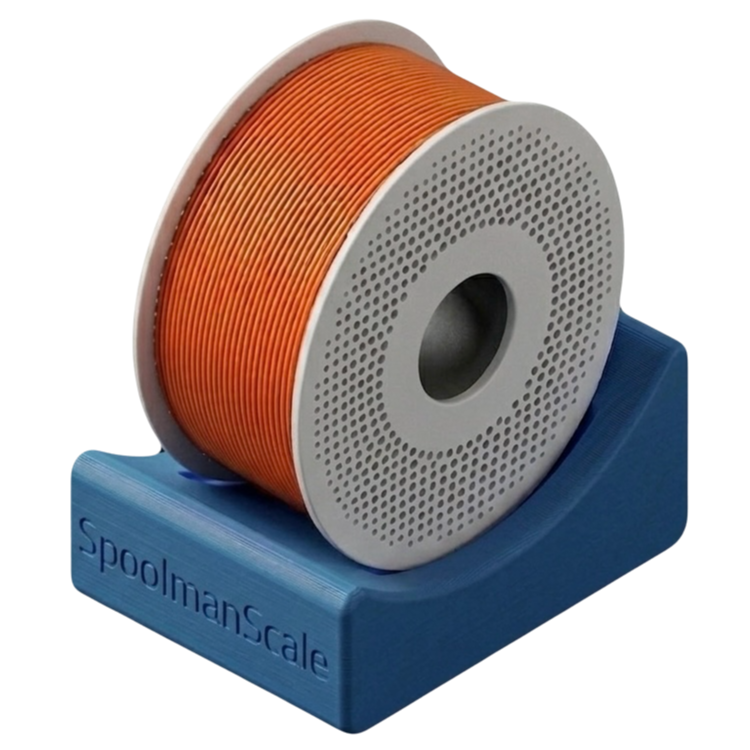
SpoolmanScale
Filament Scale with NFC & Spoolman Integration
Before Flashing
- Connect USB cable to PC
- Disconnect debug board (ZXACC-ESPDB)
- Click "Install" below. A scale that is already running SpoolmanScale is offered "Update" instead.
- Select port & confirm
- After flashing: enter your WiFi right in the browser, or skip this and set it up on the scale later, on the touchscreen or with your phone.
⚠ Your settings
"Update" keeps everything: WiFi, calibration, backend access.
If the flasher offers "Install" and asks whether to erase the device,
leave that box unticked and your settings survive as well.
Only tick it if you want a clean start.
Please use Chrome or Edge. No USB access. Open this page via HTTPS or localhost.
Flashing fails with "Failed to initialize"?
Close anything else that uses the USB port (Arduino IDE, a slicer, a second flasher tab) and use a data cable plugged straight into the computer, no hub. Still failing: use the two small buttons on the back of the display board. Hold BOOT, press and release RST, release BOOT, then click the button again and pick the port. Press RST once when flashing is done.Firmware v0.8.2 · ESP32-S3