Bluetooth & labels
The scale can print a label for the spool on the pad, on a Bluetooth label printer. The label carries the key facts and a QR code that opens the spool in your backend.
Beta: a first version
Label printing is new in 0.8.0 and will grow: labels straight from the backend (FilaMan first), a small label editor in the browser, and more printers and label sizes. Ideas and help are very welcome on Discord or GitHub.
Setting up the printer
- Settings → Connection → Bluetooth, switch on Use Bluetooth. The scale restarts once. The radio then only runs while it is needed.
- Switch the printer on and tap Devices. The scale lists what is in range.
- Tap your printer and choose As printer.
- Under Printer, pick the Model and the Label stock, then tap Test print.
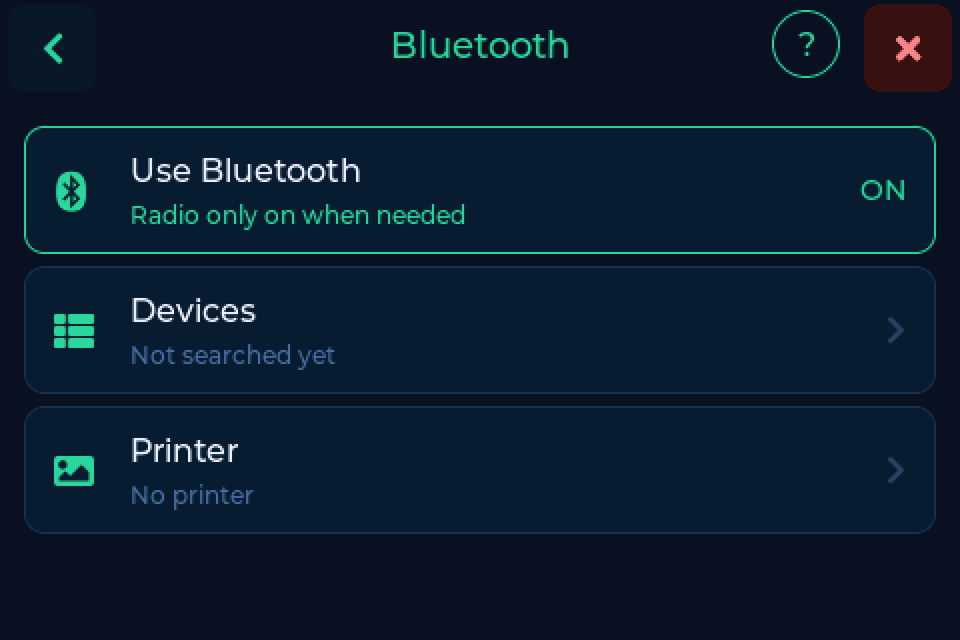
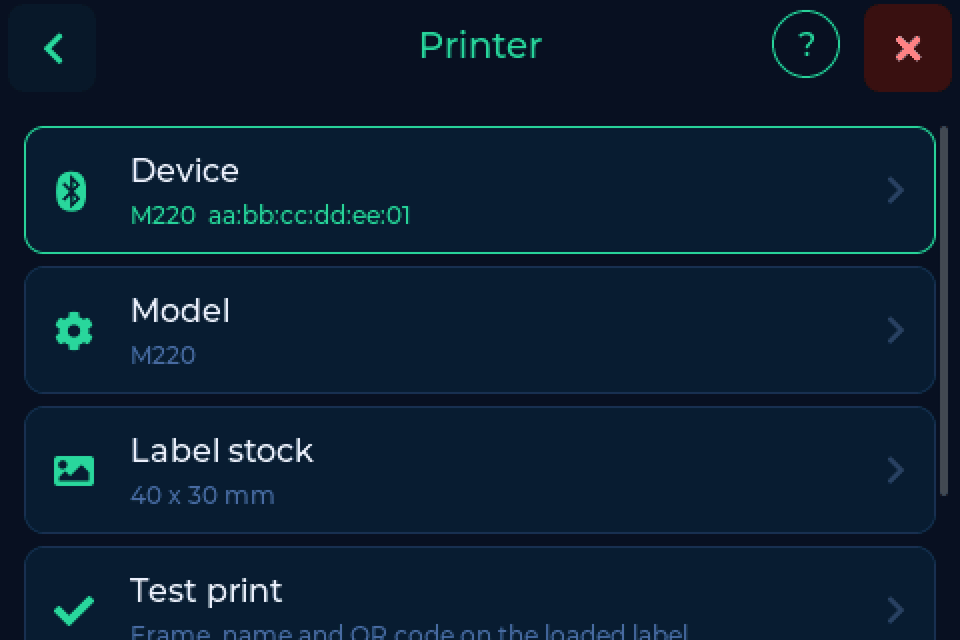
Which printers are supported, which two we recommend and the labels that go with them: see Recommended printers. The label stock is width across the head by length along the feed, as printed on the roll.
Printing a label
Put the spool on the pad, tap More info and then Print label.
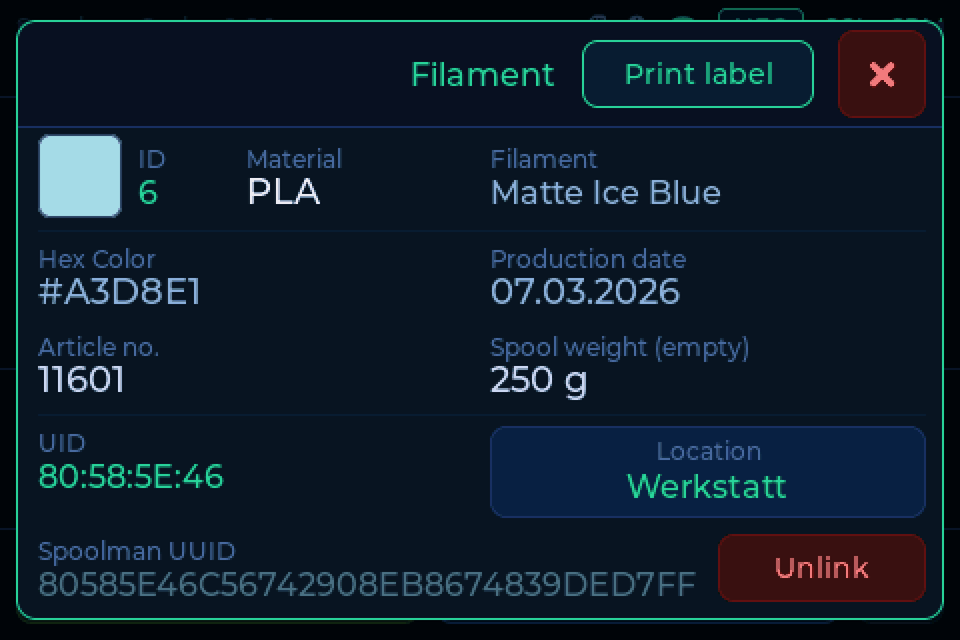
A card follows the print and ends with the printer's answer. Sent without a confirmation usually means: check the paper and the lid.
The label shows the manufacturer, material, name, colour with hex code, a date (first use or when the spool was added), the backend with the spool ID, and a QR code that opens the spool in your backend.
The Printer page of the web interface offers the same setup and the test print.
Thanks
Thanks to @akira69, whose printer support in his fork was the groundwork and the proof of concept for this feature.