What the scale is telling you
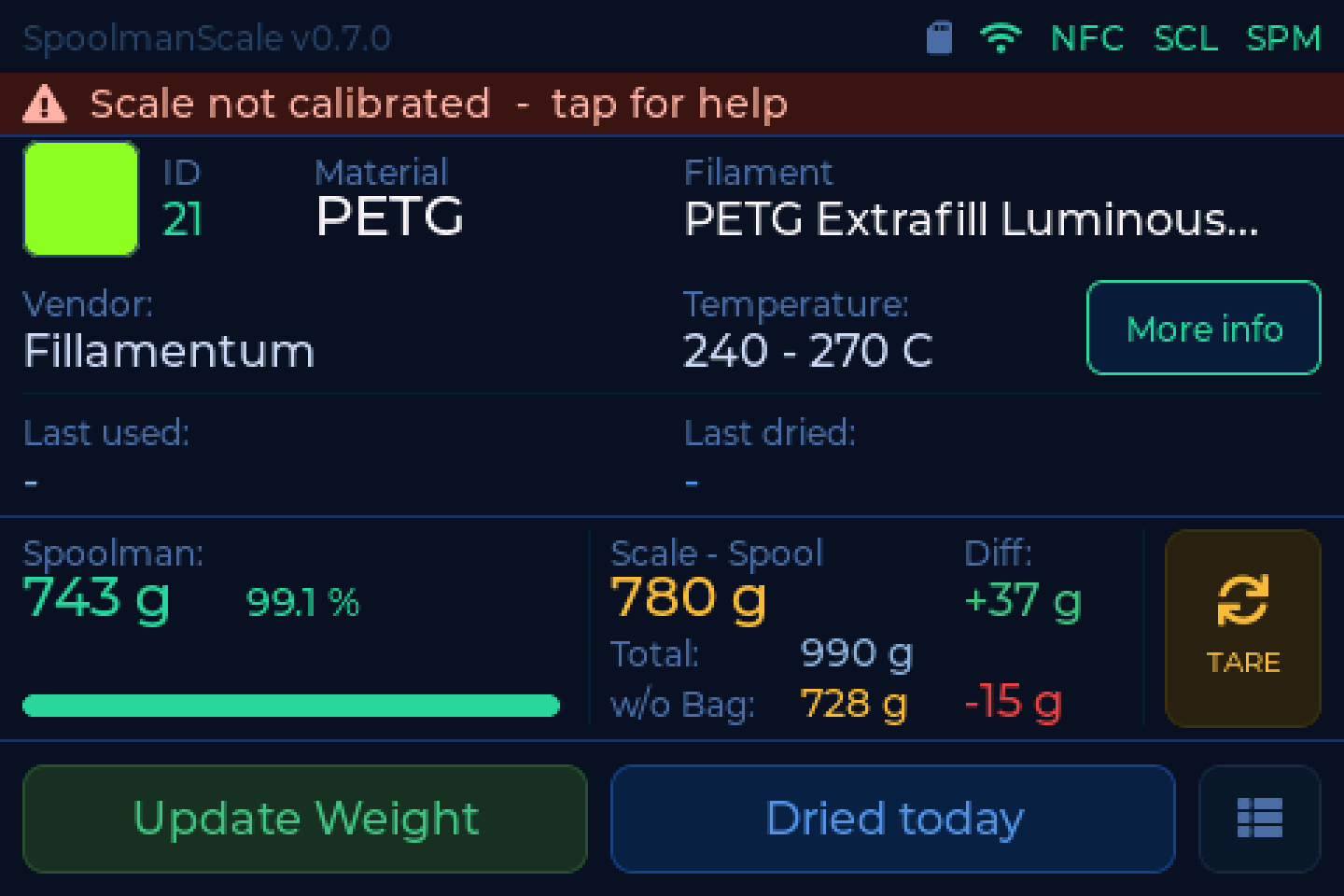
The scale checks itself while it runs and writes the result in plain words into the status bar. Tap the bar and it explains what it sees, what causes it, and what to do. Where there is something to do, the button takes you straight there.
This page lists every finding it can report, so you can search for the text you are looking at.
One finding at a time
Missing hardware outranks a missing calibration, which outranks measurement quality. Showing three warnings at once gets none of them fixed, so the scale names only the most important one. With a healthy scale you never see any of this.
A device without a load cell
With Settings → Scale → Scale fitted switched off, the scale does not look for the NAU7802 at all. The findings for the scale ADC and the load cell never appear, and an empty bus shows up as NFC reader missing. Only the NFC reader is checked.
Nothing on the I2C bus
Nothing on the I2C bus
Neither the NFC reader nor the scale ADC answers.
The 7 pin cable has to sit flush to the left in the 8 pin I/O socket. One pin off and both modules are unpowered.
Check: pin 1 (5V, red), pin 2 (GND, black), pin 3 (SDA, yellow) and pin 4 (SCL, green). See Wiring.
Scale ADC missing (NAU7802)
Scale ADC missing (NAU7802)
The NAU7802 does not answer on 0x2A. The NFC reader does, so SDA and SCL are
basically fine.
Check: VIN, GND, SDA and SCL on the NAU7802.
Third party STEMMA QT cables
On ready-made third party cables the pin order often does not match the WT32 cable. Compare wire by wire rather than trusting the colours.
NFC reader missing (PN532)
NFC reader missing (PN532)
The PN532 does not answer on 0x24. The scale ADC does, so SDA and SCL are
basically fine.
Check the two DIP switches on the module first. I2C needs SW1 = ON and SW2 = OFF. Set to HSU or SPI the chip does not answer on the I2C bus at all, which is exactly this picture.
Otherwise the PN532 needs 5V from pin 1 of the I/O cable.
Do not daisy-chain through the NAU7802
The NAU7802's STEMMA QT passthrough carries only 3.3V. The PN532 needs 5V. Wire both modules directly to the WT32 I/O connector.
NFC reader stays silent
NFC reader does not answer
The PN532 acknowledges 0x24 but answers no command. That means it is set to
I2C - it would not answer at all otherwise - and SDA and SCL are right too.
Check the two DIP switches first: I2C needs SW1 = ON, SW2 = OFF. A switch resting between positions is the most common cause.
Then check the 5V on pin 1. Too little supply lets the chip announce itself on the bus without being able to work.
Whether there is a reset to pull depends on your wiring
Scales built before September 2026 have the orange RST wire on a pad that is an output of the module rather than its reset input, so no reset reaches the chip and unplugging is the only hard reset there is. Moving the wire to RSTPDN fixes that - see Wiring. The scale measures the line itself and only uses it once the check has passed.
Scale not calibrated
Scale not calibrated
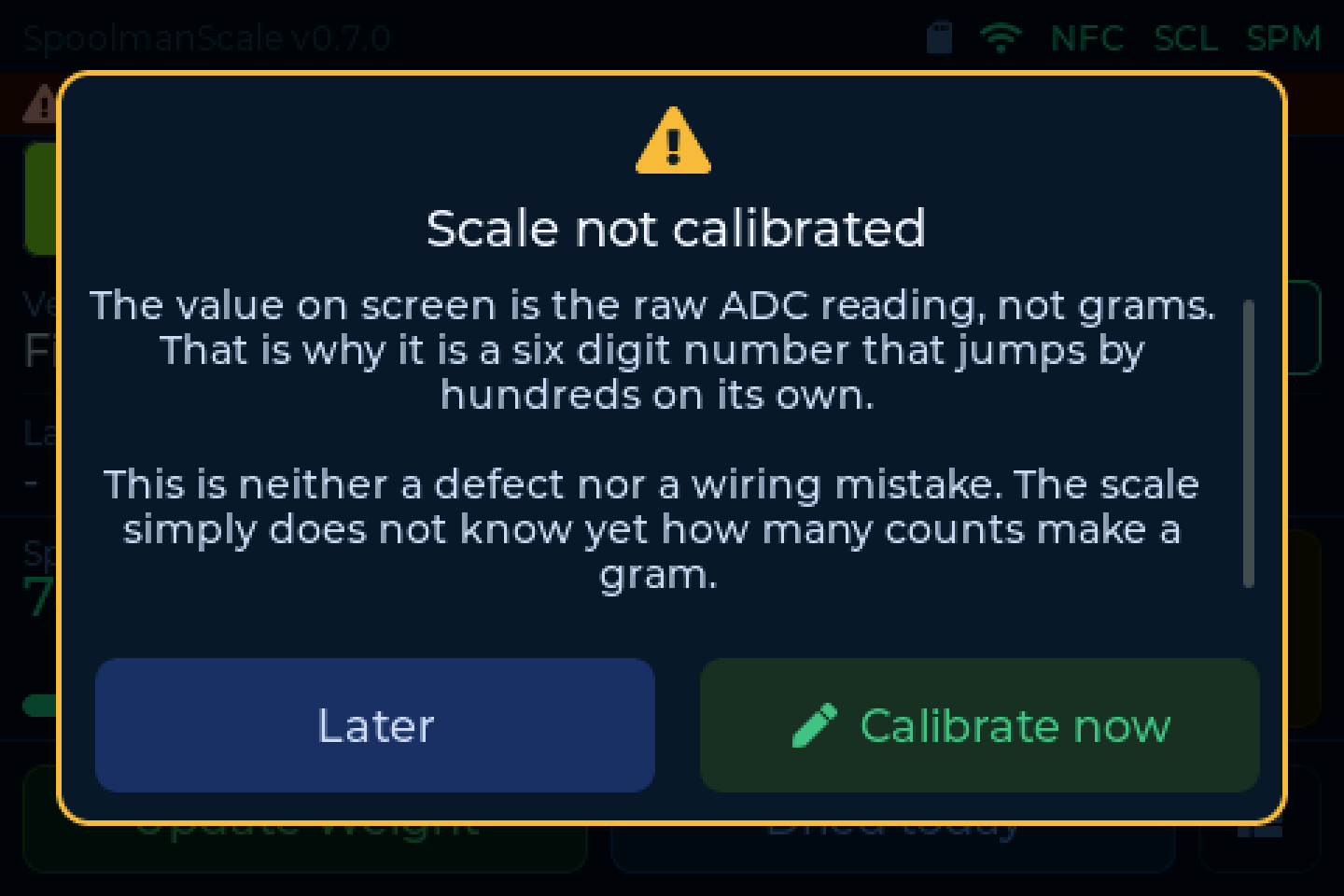
The value on screen is the raw ADC reading, not grams. That is why it is a six digit number that jumps by hundreds on its own.
This is neither a defect nor a wiring mistake. The scale simply does not know yet how many counts make a gram.
Fix: place a known weight on it and calibrate. See Weighing & calibration. The popup's button takes you straight into it.
Load cell reversed (A+/A-)
Load cell reversed (A+/A-)
The scale reads far below zero with an empty platform and has never seen a positive weight since it started. Loading it makes the number go down instead of up.
Fix: swap the two signal wires on the NAU7802, A+ (white) and A- (green). Then tare and calibrate again.
Recalibrate after fixing the wiring
A calibration taken while the wiring was wrong is still stored. Fixing the wires without recalibrating leaves the weight wrong in a new way.
Load cell unstable
Load cell unstable
The reading keeps swinging although nothing on the platform is moving.
That is typical for a loose wire on the NAU7802.
Check: E+ (red), E- (black), A+ (white) and A- (green) for cold solder joints. Also check whether a cable is pressing against the weighing platform.
Still stuck?
- Troubleshooting for problems the scale cannot diagnose itself - network, backend, tags
- The Discord, where the community is happy to help