Weighing & calibration
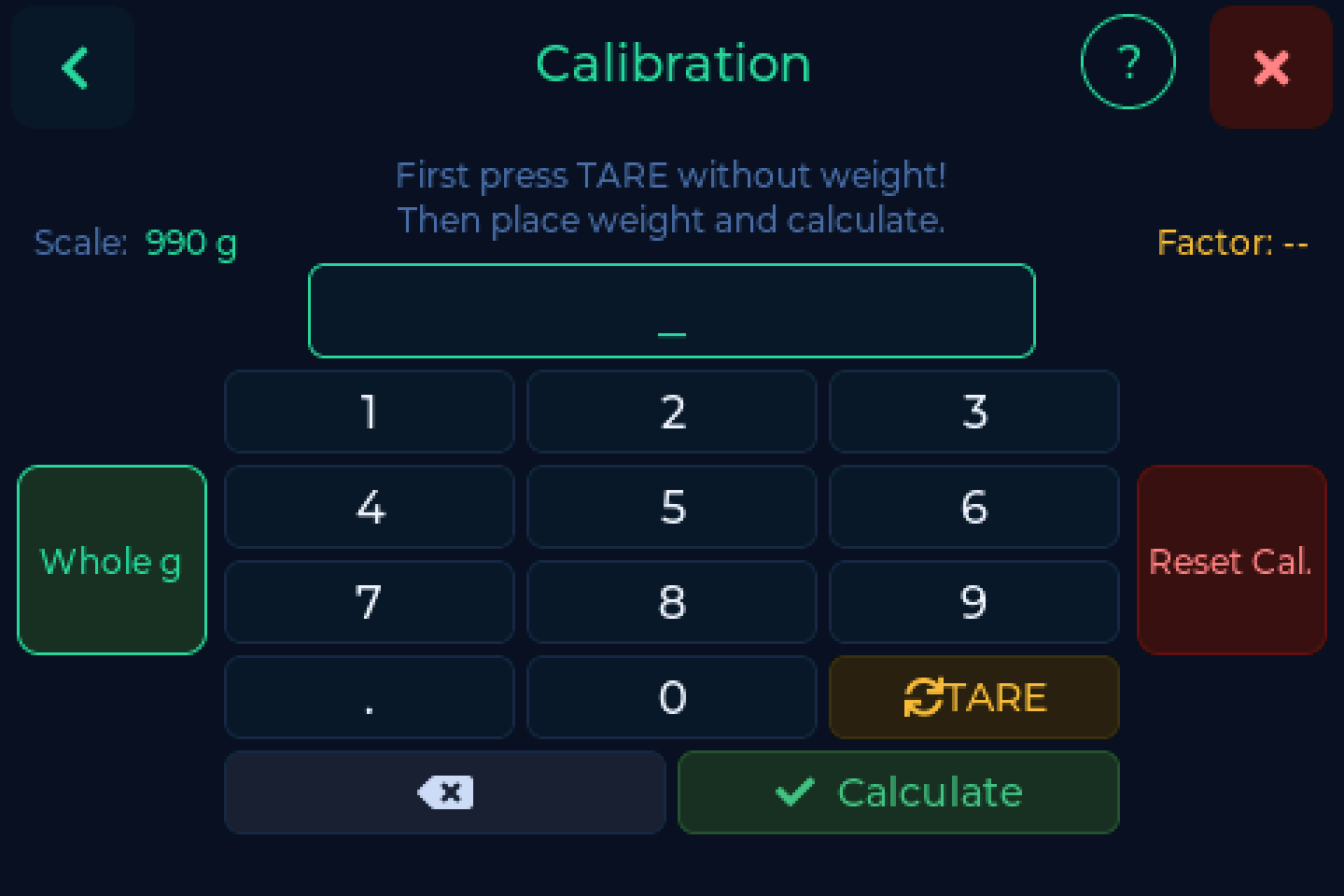
Calibration
A scale that has never been calibrated shows the converter's raw value, not grams - a six digit number that drifts by hundreds on its own. That is not a fault, and the scale says so in the status bar.
Settings → Scale → Calibration
- Clear the platform and press TARE. The reading has to go to 0.
- Place a weight you know exactly. Around 1000 g is ideal - a full spool checked on a kitchen scale is plenty.
- Type that weight in grams and press Calculate.
The reference weight sets the ceiling
The more precise your reference, the more accurate everything afterwards. Whatever error is in it is baked into every measurement.
Recalibrate after moving the device significantly, and always after fixing wiring. A calibration taken while the load cell was miswired is still stored; correcting the wires without recalibrating leaves the weight wrong in a new way.
Numbers going the wrong way
If putting weight on makes the number go down, A+ and A- are swapped on the NAU7802. See Load cell reversed.
Tare
TARE zeroes the scale with the platform empty. Do it whenever the empty reading has drifted off zero.
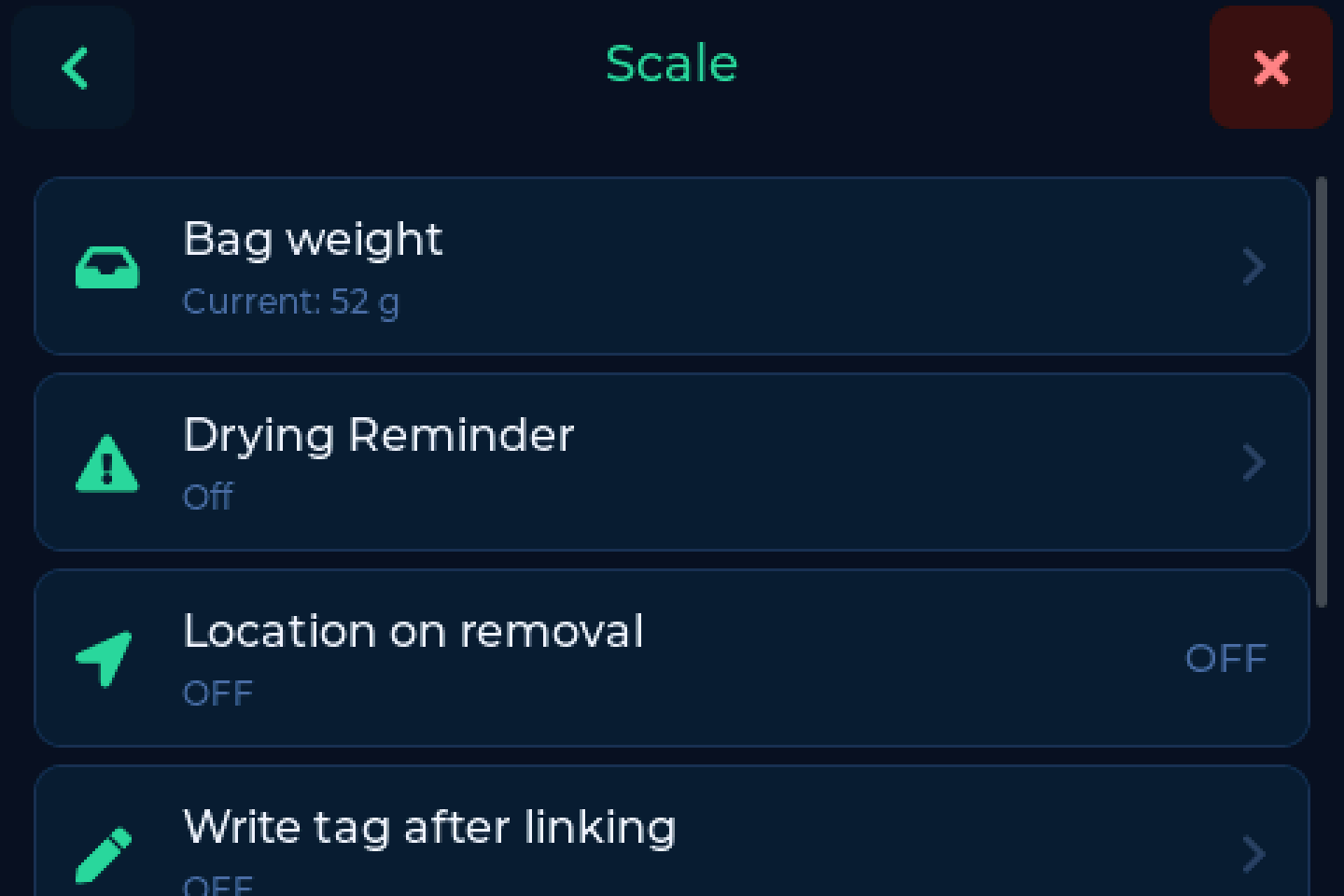
Bag weight
Settings → Scale → Bag weight
The weight of a vacuum bag plus its silica gel pack, in grams. When set, it is subtracted so a bagged spool weighs the same as an unbagged one and your inventory stays right either way.
The one tare BamBuddy users need
BamBuddy keeps neither filaments nor vendors as objects of their own, so it cannot hold a tare value at that level. The bag weight is set on the scale and works regardless of backend.
Automatic weight update
Once a spool is detected and the weight has been stable for 3 seconds, the scale saves it by itself. Stable means moving by less than 0.5 g.
A countdown bar shows the wait, so you can see it is about to write rather than wondering whether it did.
- Saved without the bag weight, so the figure in your inventory is the spool alone
- Switch it off with Disable auto if you would rather press the button
After a save, automatic or with Update Weight, the fill bar and its colour show the new amount straight away.
FilaMan without a tag
With FilaMan, a spool that has no tag is also saved automatically when this is on, not only via the button.
Whole grams
The scale shows and writes back whole grams everywhere.
Spoolman derived used_weight from the decimal it was sent and turned it into
numbers like 251.70000000000005 g. Sending whole grams stops that from the
next weighing onwards.
Last Used Mode
Settings → Scale → Last Used Mode
What counts as "used". The choices depend on the backend - printing usage or weighing - so the date on the main screen means what you expect it to mean.
Without a load cell
Settings → Scale → Scale fitted
A device built from display and reader alone works as a tag terminal: put a tag on, see the spool, give it a location and a printer. Switch Scale fitted off and restart:
- the weights leave the main screen, and so does TARE
- the Update Weight button becomes the location button
- Calibration and Bag weight leave the menu
- the scale no longer reports a missing load cell as a fault
The switch is also on the Settings page of the web interface, in the Panel card, with a restart button next to it. Switch it back on the same way.