Updating the firmware
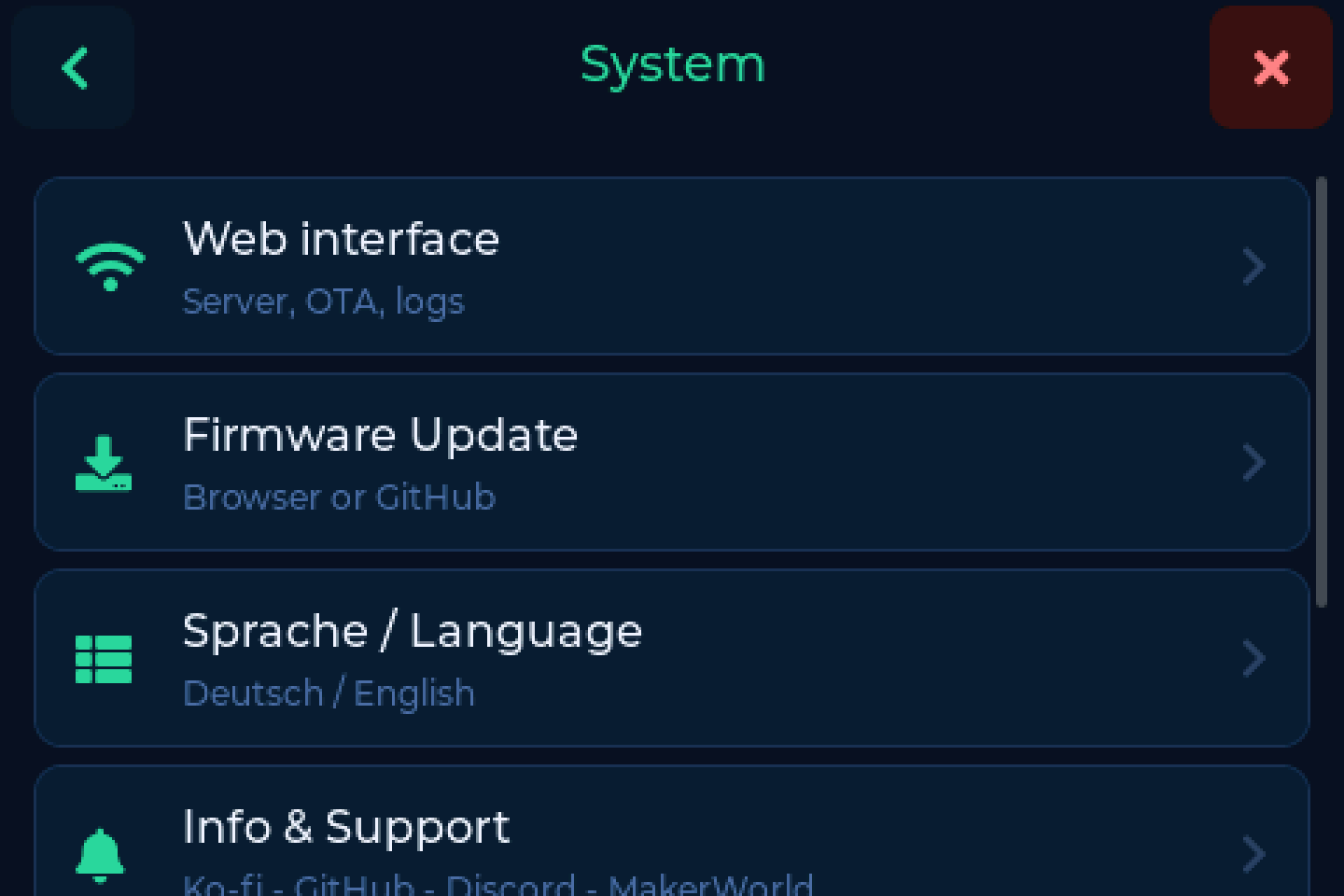
After the first flash updates run on the device or from your browser, without the USB cable.
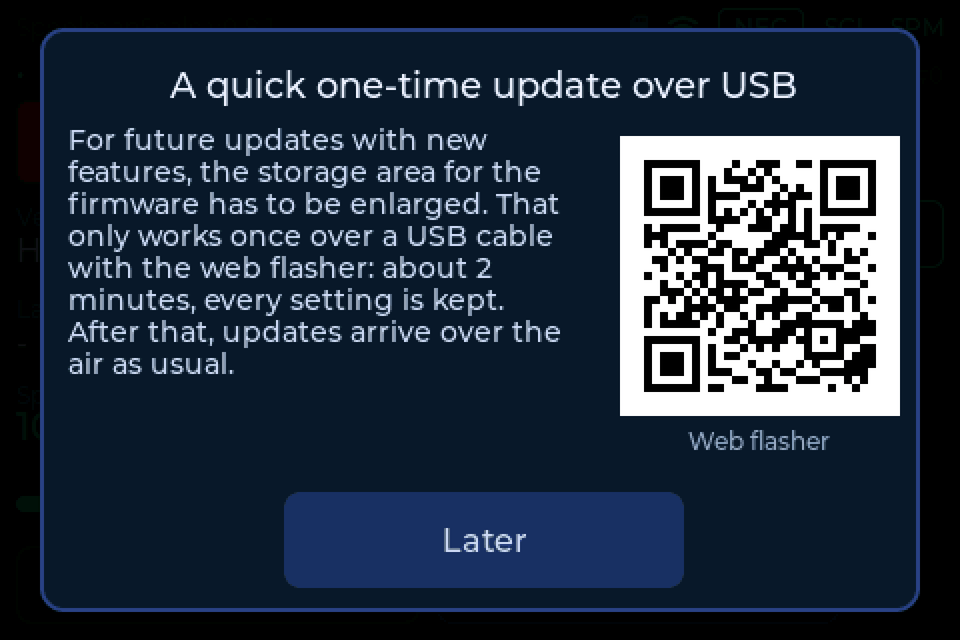
Coming from 0.7.x: one update over USB
v0.8.0 divides the scale's memory anew (6 MB instead of 3 MB for the firmware), and that can only be done over the cable, once. Open the web flasher in Chrome or Edge, connect the scale and choose Update. It takes about 2 minutes, and WiFi, calibration and backend settings are kept. If the flasher offers "Install" instead, leave "Erase" unticked, or WiFi and calibration are gone.
A scale that skips this step keeps working and gets v0.8.0 over the air as well. It reminds you at every start, with a QR code to the flasher. Later updates that are larger than the old layout allows will no longer install over the air.
If the flasher says: Failed to initialize
It cannot reach the chip. Try these in order:
- Close everything that may hold the USB port: Arduino IDE, a slicer, a second tab with the flasher.
- Use a different cable, one that carries data, in a USB port straight on the computer, no hub.
-
Put the scale into download mode by hand. The display board has only a RST button on its back. BOOT (GPIO0) is on the 7-pin DEBUG connector next to it, and the optional debug board (ZXACC-ESPDB) plugged in there has both buttons.
With the debug board: hold BOOT, press and release RST, release BOOT.
Without it: bridge pin 6 (BOOT) and pin 7 (GND) of the DEBUG connector with a short wire, press RST, remove the wire. Pin 1 at the other end carries 5V, so find GND with a multimeter first: it beeps against the metal shell of the USB-C socket.
The screen stays dark, that is right: the chip now waits for the flasher. Connect in the flasher and install, then press RST once.
From the device
Settings → System → Firmware Update
- Tap Check for updates
- The scale asks GitHub, and shows you the release notes for what it found
- Tap Install
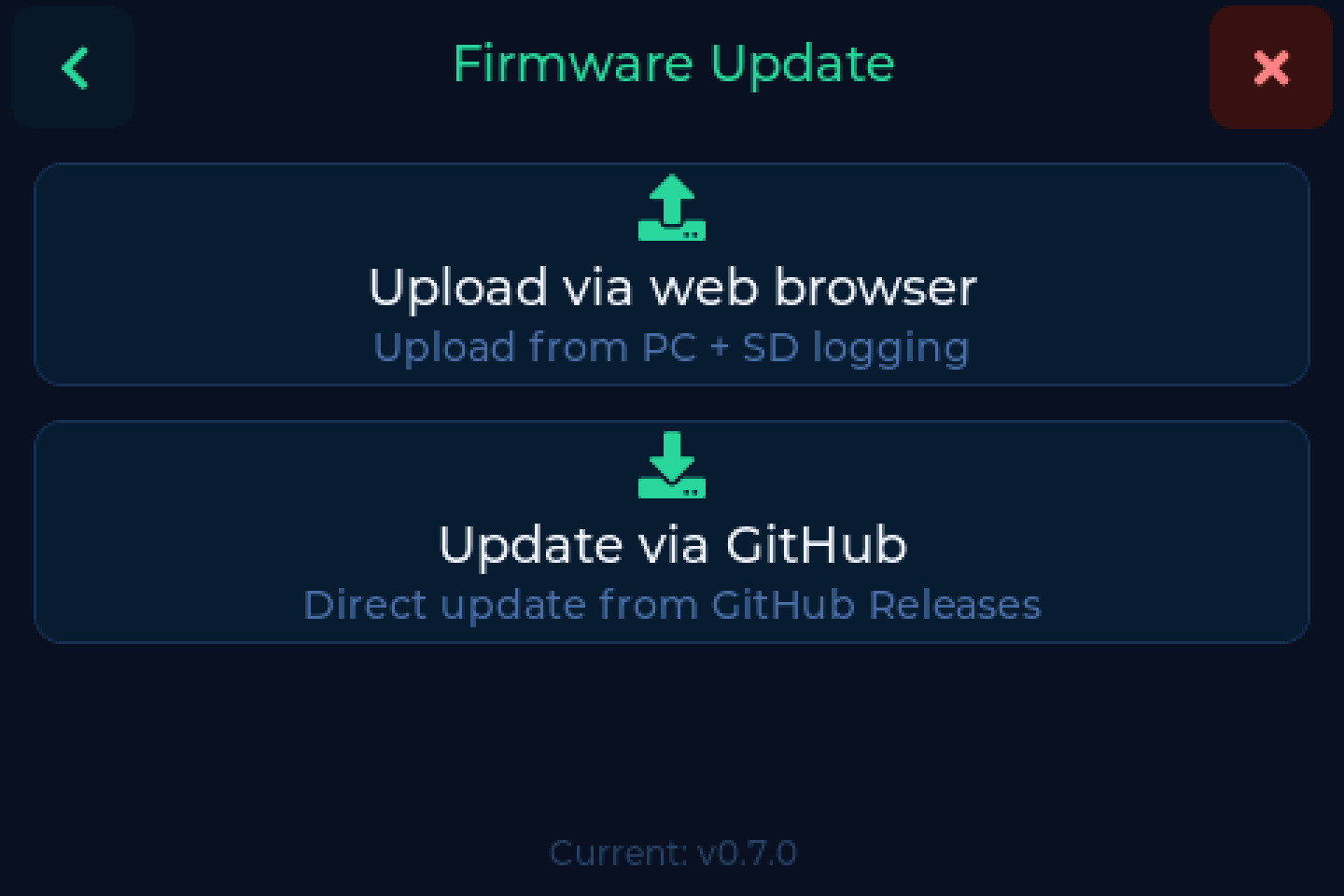
It downloads, writes and reboots on its own, reporting how far it got as it goes.
From the browser
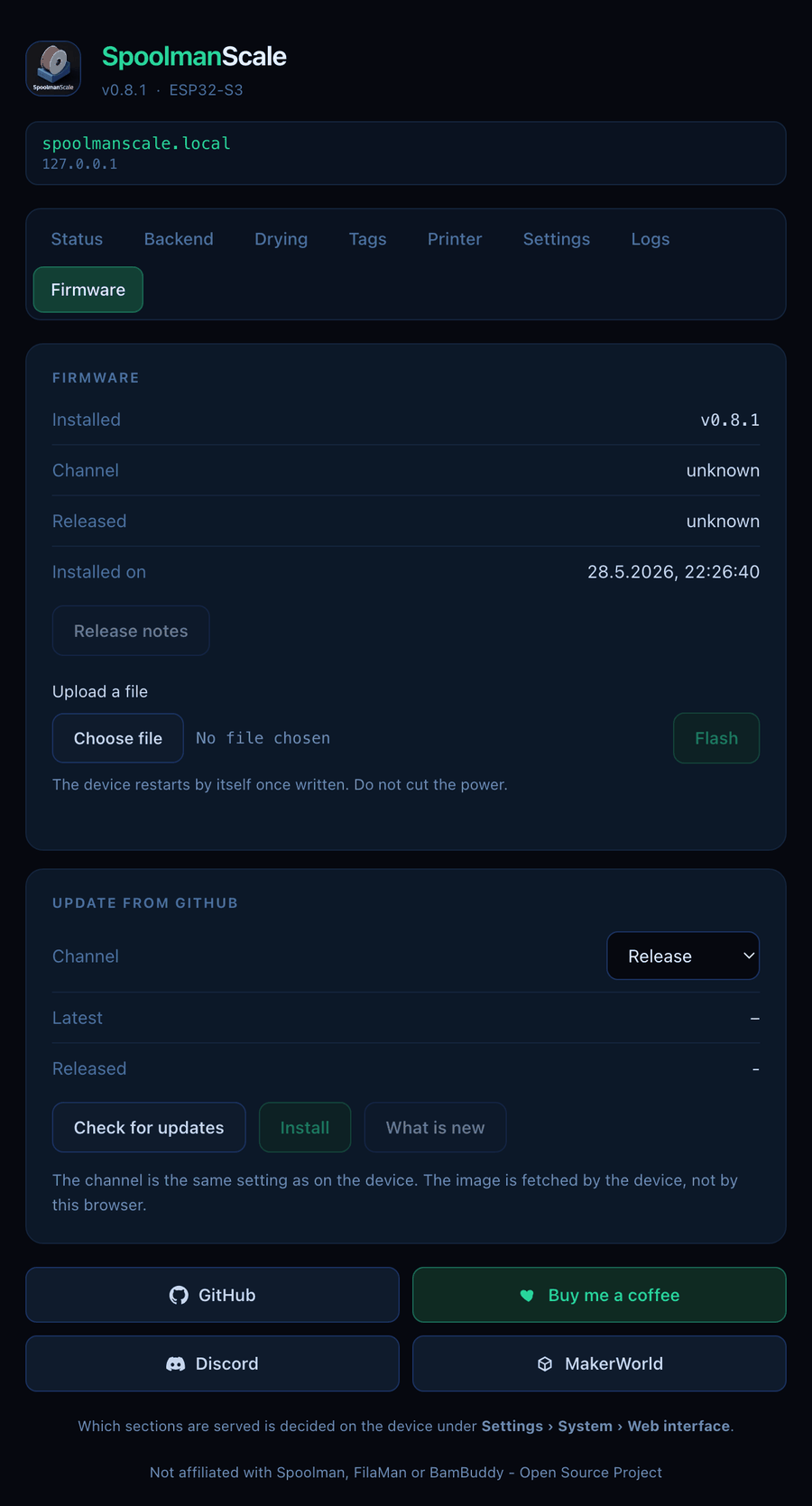
The firmware page of the web interface does the same thing with more room to read, and works from a phone.
Needs Maintenance
The firmware page sits behind the Maintenance switch, which is off by default. Turn it on under Settings → System → Web interface. See The web interface.
Installing a specific version
If an update fails, or you want to go back to a particular release:
- Download the
.binfrom GitHub Releases - Open the firmware page in the web interface
- Upload the file
Beta or stable
Releases come in two kinds:
| Kind | Looks like | For |
|---|---|---|
| Release | v0.7.0 |
everyone |
| Pre-release | v0.7.0-beta.88 |
testing, reporting back on Discord |
The full history is on the releases page - every version carries its own notes.
Beta testers welcome
Three backends, four tag formats and a lot of hardware combinations are more than one workbench can cover. If something goes wrong on a beta, say so on Discord or open an issue. That is what it is for.